One source image sets the character
The image provides the face, pose, clothing, lighting, and background that Playbun uses as the starting frame.
Playbun · Adults 18+
Playbun turns a suitable source image into a short adult AI video through playful template-based character motion. Choose a scene, prepare the image, check the framing, and start generation.
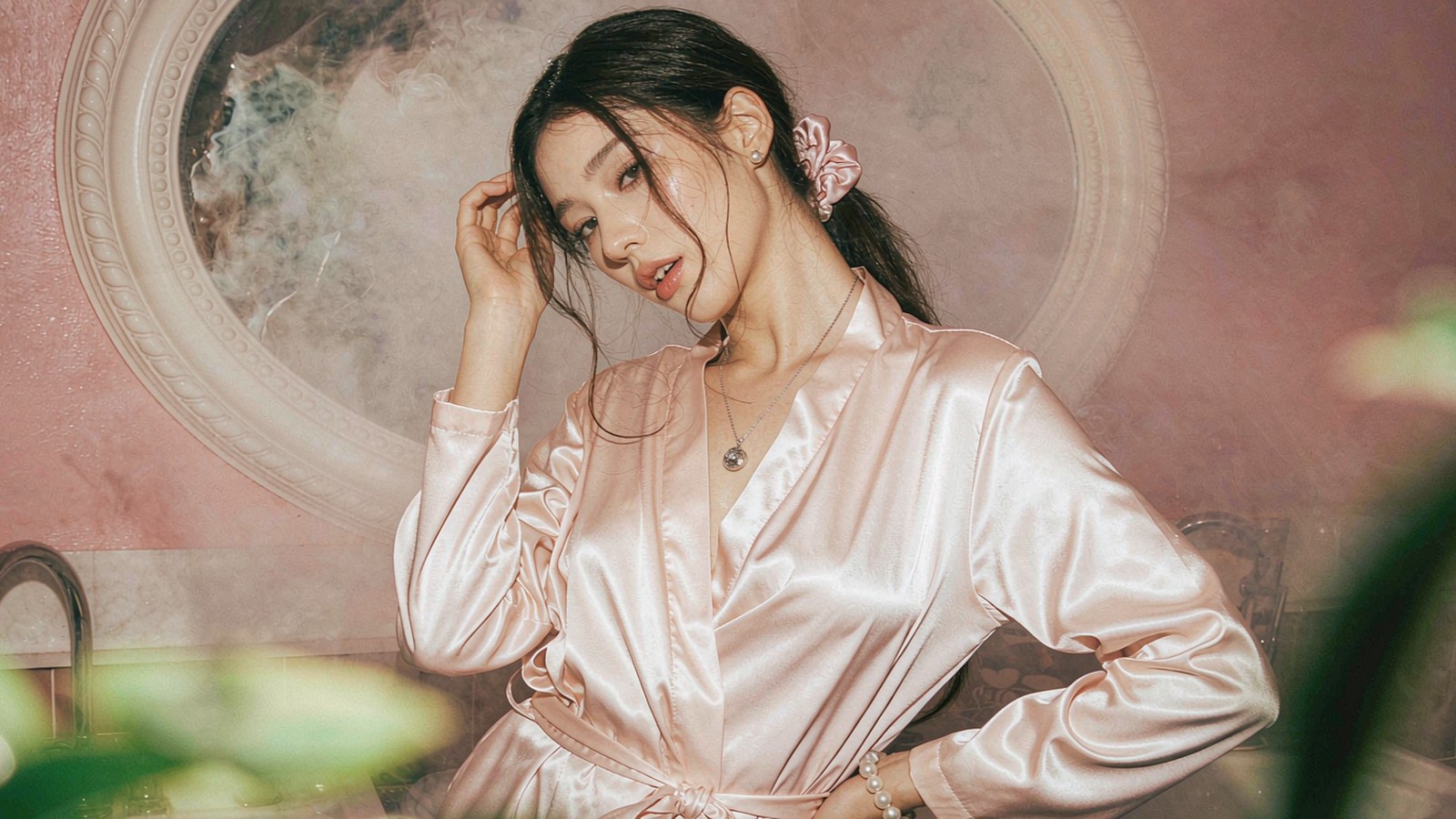

Inside Playbun
Playbun is an Adults 18+ image-to-video generator. It combines one source image with a selected motion template and returns a short video clip built around that template’s movement pattern.
The image provides the face, pose, clothing, lighting, and background that Playbun uses as the starting frame.
Choose portrait motion, a pose change, a camera move, or a short loop instead of beginning with an empty prompt.
A close portrait supports subtle motion; a wider frame gives a turn or body movement more usable space.
Review the completed clip for face consistency, hands, edges, background stability, and the intended camera path.
Choose the movement first so you know which pose, crop, and amount of background the source image needs.
Complete Playbun example
This example shows the full decision chain for one Playbun template, including what the template changes and what to check in the result.
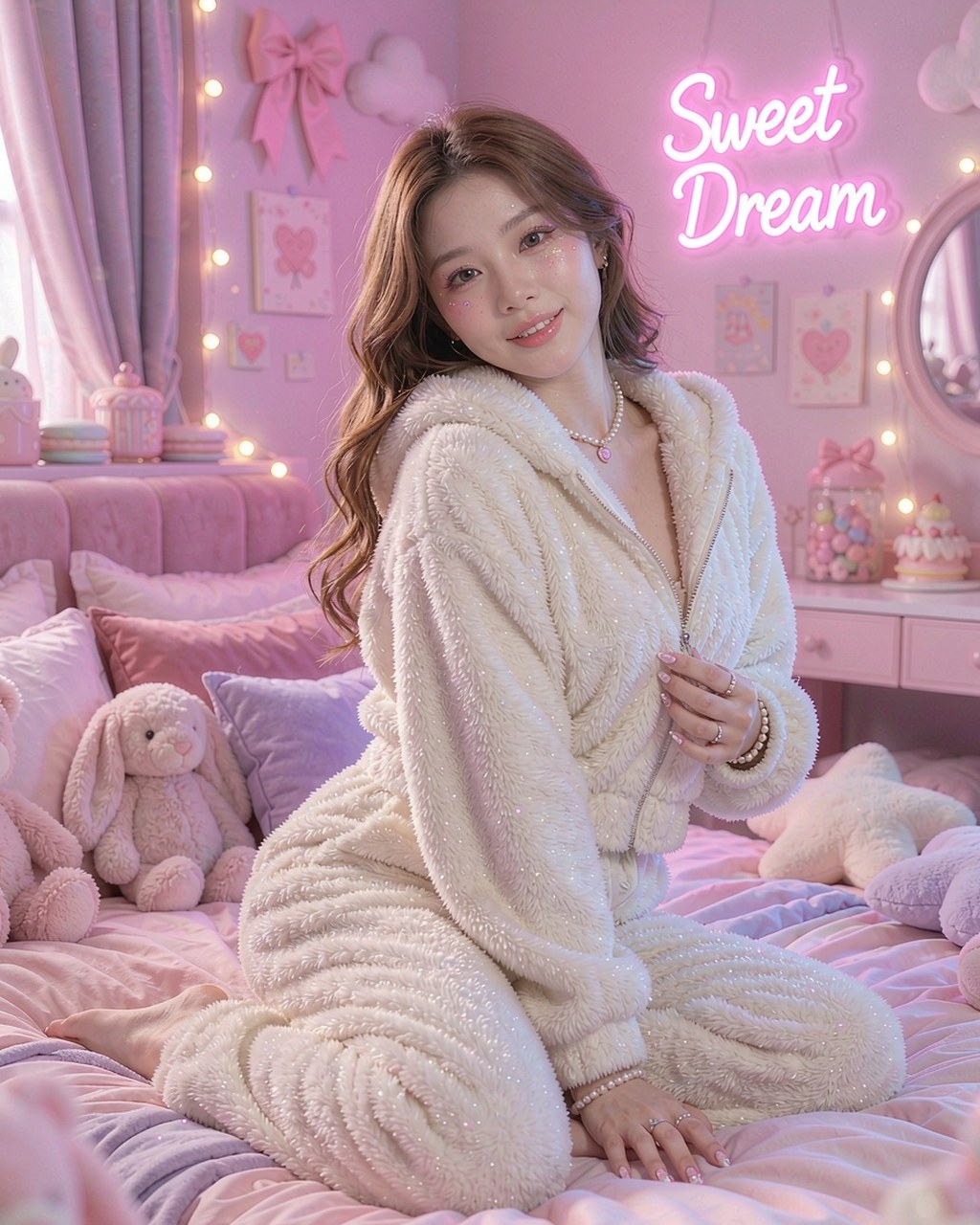
The vertical crop leaves space around the shoulders and keeps the background simple enough to expose edge flicker.
The template uses one restrained forward camera move while the subject stays centered. It removes the need to describe a camera path from scratch.
This illustrated motion preview demonstrates the template’s camera path and framing change. Check that the eyes stay sharp, hands do not warp, and background edges remain stable in a live render.
Playbun template families
Each template solves a different motion problem. Pick the family whose movement is already supported by the pose and framing in your source image.
Adds restrained eye, head, and upper-body movement. Best when the face and both shoulders are clear.
Builds a controlled shift or turn. Best when hands, shoulders, and the intended turn direction remain inside frame.
Moves the camera closer while keeping the subject anchored. Best for a centered portrait with spare crop around the face.
Uses one small repeatable action for a compact teaser. Best with a simple background and limited limb movement.
What is different
A template replaces several blank-prompt decisions with a visible motion recipe. You still control the source and choose whether the result is usable.
| Stage | Playbun supplies | You choose or review |
|---|---|---|
| Scene intent | A named motion family with a previewable goal | Portrait, pose change, camera move, or loop |
| Motion recipe | The main movement direction and pacing | Whether the source pose can support that movement |
| Starting frame | The source image becomes the visual anchor | Crop, visible limbs, background, and motion space |
| Result | A generated short video based on that pairing | Face, hands, edges, background, and camera consistency |
Playbun access and output
Here is the direct answer for each item. Variable generator settings are identified as variable instead of being presented as fixed promises.
Template browsing is free. No fixed free-generation allowance is published here. Any credit cost or price must appear before you confirm a render.
Browsing needs no account. If rendering, saving, or downloading requires sign-in, Playbun shows that gate before the action.
There is no fixed seven-second promise. Processing varies with the chosen template and live queue; progress appears after generation starts.
A short image-to-video clip. Duration, resolution, format, and watermark status must be displayed before rendering or download.
Playbun FAQ
Product identity, template choices, access, render time, and output are collected in one place.
Open Playbun ↗Playbun is an Adults 18+ image-to-video generator built around motion templates. You choose a template and source image; Playbun turns that combination into a short video clip.
Template browsing is free. Playbun does not publish a fixed free-generation allowance on this page; any credit charge or price must be displayed before a render is confirmed.
No account is needed to compare the templates on this page. If rendering, saving, or downloading requires sign-in, Playbun shows that gate before the action.
Playbun does not promise a fixed seven-second render time. Processing time varies with the selected template and live queue, and render progress is shown after generation starts.
Playbun outputs a short image-to-video clip. Duration, resolution, file format, and watermark status must be disclosed by the generator before rendering or downloading.
Use Portrait Motion for a close face-and-shoulders image, Pose & Turn when the body and hands are visible, Camera Push-In for a centered composition, and Loop Teaser for one small repeatable action.
Playbun starts with a motion template that already defines the scene intent and movement pattern. You still choose the source image and framing, but you do not have to describe every movement from an empty prompt.
Playbun · Adults 18+
Choose a Playbun template, match the source pose and framing, then review the generated short clip.